

In today’s digital-first world, having a website is no longer optional—it’s essential. Whether you’re a startup, small business, or established brand, your website acts as your online identity. But one of the biggest decisions you’ll face is choosing between a custom website and a template-based website.
Both options have their advantages and limitations, and the right choice depends on your business goals, budget, and long-term vision. In this detailed guide, we’ll break down everything you need to know to make the best decision.
What Is a Custom Website?
A custom website is built from scratch, tailored specifically to your business needs. Designers and developers create everything—from layout to functionality—based on your requirements.
Unlike pre-built designs, custom websites are unique and offer complete flexibility.
Key Features of Custom Websites
- Unique design tailored to your brand
- Fully customizable features and functionality
- Scalable for future growth
- Optimized performance and speed
- Advanced integrations (CRM, APIs, etc.)
What Is a Template Website?
A template website is built using pre-designed layouts. These templates are readily available on platforms like WordPress, Wix, and Shopify.
You simply choose a design, customize content, and launch your website quickly.
Key Features of Template Websites
- Pre-designed layouts
- Quick setup
- Affordable pricing
- Limited customization
- Beginner-friendly tools
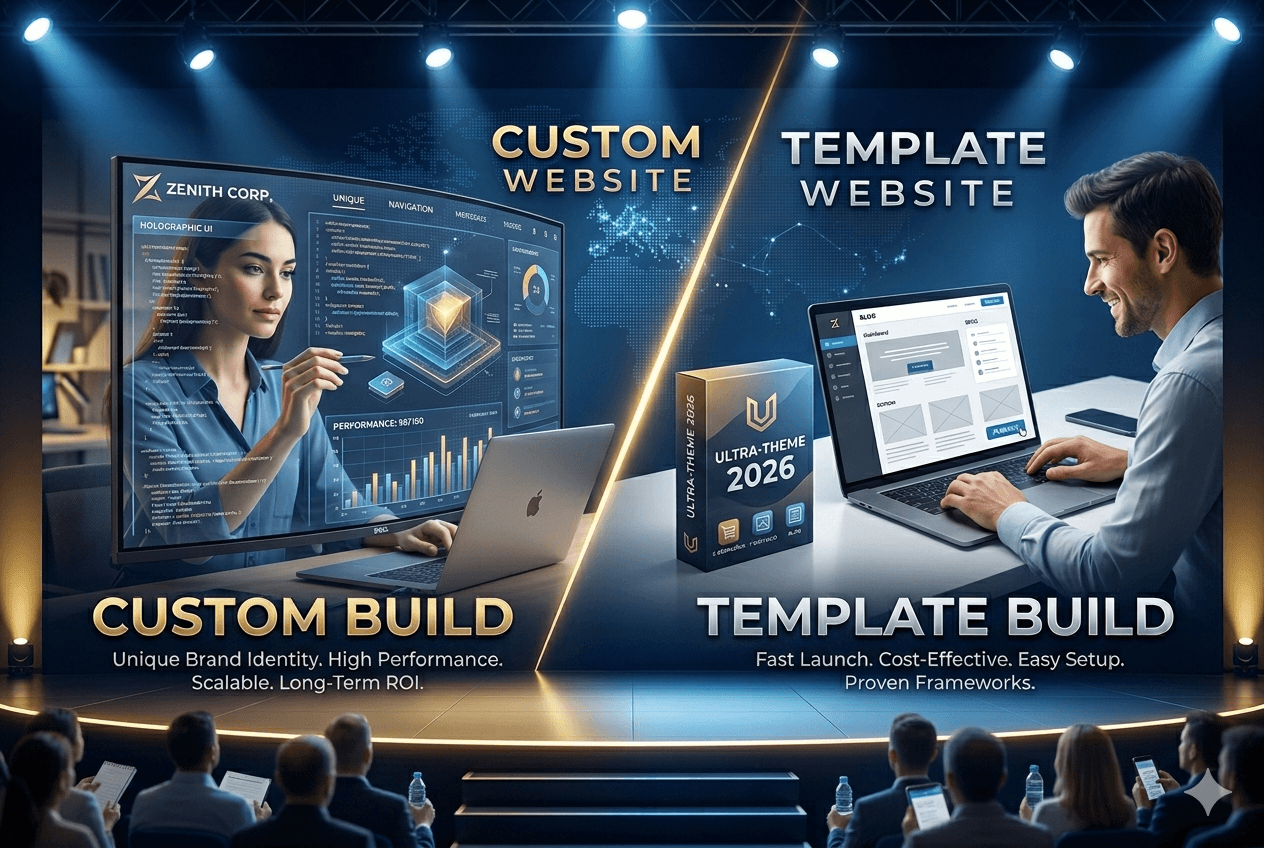
Custom Website vs Template Website: Key Differences
1. Design & Uniqueness
A custom website gives you complete control over design. Every element is created specifically for your brand, ensuring a unique online presence.
Template websites, on the other hand, use pre-made designs. While you can customize colors, fonts, and images, the core structure often remains similar to other websites.
? Verdict: Custom websites win for originality and branding.
2. Cost
Cost is one of the biggest deciding factors.
- Custom Website: Expensive due to design, development, and testing
- Template Website: Budget-friendly and ideal for small businesses
Template websites are perfect if you’re just starting and want to keep costs low.
? Verdict: Templates are more affordable.
3. Development Time
Custom websites take time because they are built from scratch. Depending on complexity, it may take weeks or even months.
Template websites can be launched in a few days or even hours.
? Verdict: Templates are faster.
4. Flexibility & Customization
Custom websites offer unlimited flexibility. You can build any feature you want—booking systems, dashboards, or custom animations.
Templates come with limitations. While plugins and tools help, you may not achieve everything you envision.
? Verdict: Custom websites provide maximum flexibility.
5. Performance & Speed
Custom websites are usually optimized for performance because developers write clean, efficient code.
Template websites often include extra features you may not need, which can slow down performance.
? Verdict: Custom websites perform better.
6. SEO (Search Engine Optimization)
SEO is crucial for ranking on search engines like Google.
Custom websites allow developers to optimize everything—from site structure to page speed.
Template websites can still be SEO-friendly, but you may face limitations depending on the platform.
? Verdict: Custom websites offer better SEO control.
7. Scalability
If you plan to grow your business, scalability matters.
Custom websites are built with future expansion in mind. You can add features as your business grows.
Template websites may struggle with scalability, especially for complex requirements.
? Verdict: Custom websites are more scalable.
8. Maintenance & Support
Custom websites require ongoing maintenance, updates, and technical support.
Template websites are easier to manage, especially with platforms that handle updates automatically.
? Verdict: Templates are easier to maintain.
When Should You Choose a Custom Website?
A custom website is the best choice if:
- You want a unique and professional brand identity
- You need advanced features or integrations
- You plan to scale your business significantly
- You have a higher budget
- You want complete control over design and performance
Custom websites are ideal for medium to large businesses, startups with funding, and enterprises.
When Should You Choose a Template Website?
A template website is perfect if:
- You have a limited budget
- You need a website quickly
- You’re a small business or freelancer
- You don’t require complex functionality
- You prefer easy management without technical skills
Template websites work well for portfolios, blogs, small eCommerce stores, and local businesses.
Pros and Cons Summary
Custom Website
Pros:
- Unique design
- High performance
- Scalable
- SEO-friendly
- Full control
Cons:
- Expensive
- Time-consuming
- Requires technical expertise
Template Website
Pros:
- Affordable
- Quick setup
- Easy to use
- No coding required
Cons:
- Limited customization
- Generic design
- Performance limitations
- Less scalable
Which Option Is Better?
There is no one-size-fits-all answer.
- If you prioritize budget and speed, go with a template website.
- If you prioritize quality, uniqueness, and long-term growth, invest in a custom website.
Think of it this way:
- A template website is like renting a furnished apartment.
- A custom website is like building your own house.
Both serve the purpose—but the experience and control are very different.
Final Thoughts
Choosing between a custom website and a template website depends entirely on your business goals.
If you’re just starting out, a template website can help you establish an online presence quickly and affordably. However, as your business grows, you may eventually need to upgrade to a custom solution for better performance, scalability, and branding.
On the other hand, if you already have a clear vision, strong branding, and long-term plans, investing in a custom website from the beginning can save you time and effort in the future.